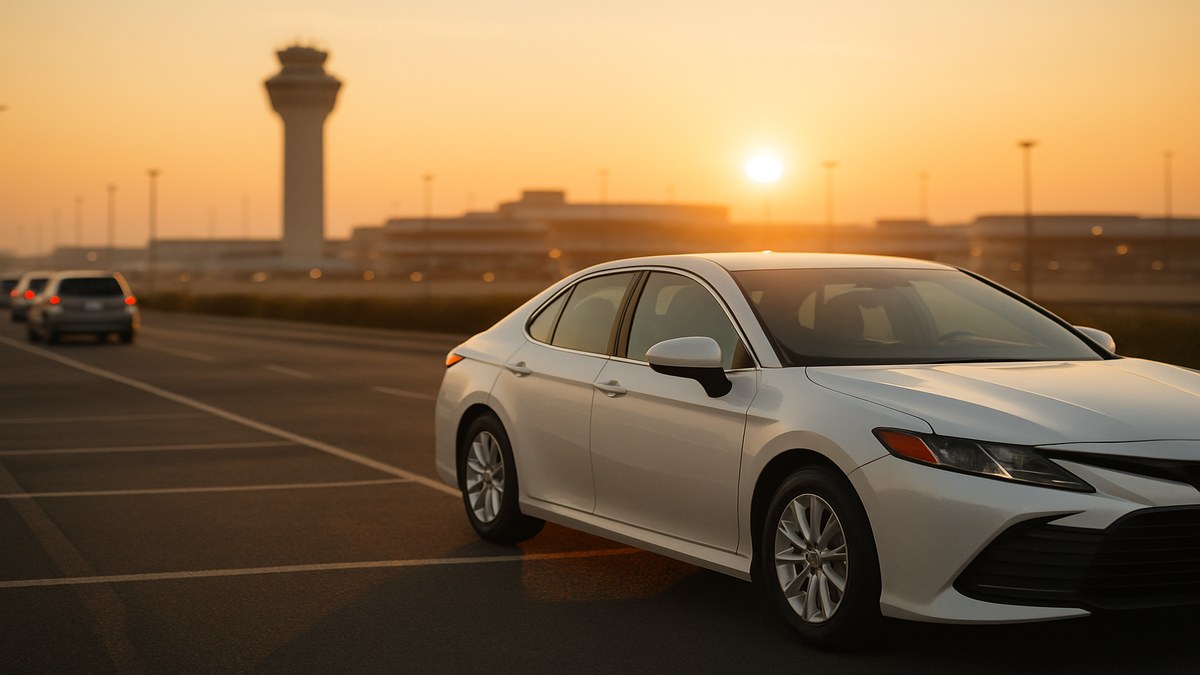
I lost $73 my first Saturday at LAX. Drove to the queue lot, sat there for two hours, picked up a $14 ride to Beverly Hills, then deadheaded back empty. By the time I added gas and the share of my RideshareRenter weekly rate, I was upside down on that whole airport adventure.
Three years later I still drive a rental for Uber and Lyft. I still chase the airport. But I run it like a system now, not a vibe. This is the playbook I'd hand a new driver who just picked up keys from a RideshareRenter listing and wants to know if the airport is worth their time.
If you own your car, sitting in an airport queue for 90 minutes mostly costs you opportunity. If you rent, it costs you opportunity plus a real dollar amount per hour against your rental fee. My RideshareRenter weekly rate works out to roughly $1.49 per hour over a 7-day window if I do nothing. Every hour I sit in the queue, the rental is still ticking.
That doesn't mean skip the airport. It means run the math.
Here's the rough cost-to-sit by weekly rate. Assume a 7-day rental that you're holding for the full week:
| Weekly Rental Rate | Cost per Hour Sitting | Break-even Trip Payout (after 25% Uber take + $0.18/mi gas) |
|---|---|---|
| $249 | $1.48 | ~$3 for a 10-min ride |
| $329 | $1.96 | ~$3.50 for a 10-min ride |
| $429 | $2.55 | ~$4.25 for a 10-min ride |
The hourly cost is small. The real killer is opportunity cost. If surge is hitting downtown and you're queued at the airport for a $9 ride, you're not "saving money," you're hiding from better fares.
Five minutes at home saves you two hours at the terminal. Before I leave, I check three things:
Arrivals board. Most airports publish a live arrivals feed. If you see a fat cluster of flights landing within a 20-minute window, that's your aim. If you see a dry hour with two regional jets and nothing else, that's a bad queue.
Queue size. Some airports show driver queue depth inside the Uber app under the airport pin. Others you have to learn by feel. If your home airport doesn't show it, ask in a local driver Facebook group what the live count is. People share.
Weather and bag count. Rainy day with red-eye international flights means people with three checked bags and longer rides home. Sunny Tuesday afternoon with mostly carry-on business travelers means short hops to the same handful of hotels.
If the math doesn't line up before you leave, drive city instead.
Most major airports have a "free wait" lot for rideshare drivers. Some have multiple. They aren't equal.
At Phoenix Sky Harbor for example, the official rideshare lot is usually the move, but on big-event nights I'll stage at the Cell Phone Lot on the south side because the queue resets faster from there for terminal 4. At Atlanta, the North Economy Lot 2 will sometimes flush faster than the official lot late at night. Local quirks matter.
Whichever lot you pick, lock the location in your maps. Don't enter the wrong gate. Wrong gate at LAX cost me $14 in tolls one Tuesday and I never made it back.
This is the only rule that matters. If your projected queue wait is over 20 minutes and the trip you're statistically likely to get is under $20, leave. Drive the city. Come back later.
Numbers from my last 90 days driving a 2023 Toyota Camry rental:
That's not a knock on the airport. That's why I only chase it when the math swings. The math swings on event nights, holiday surges, bad weather, and the after-midnight bar-close window when downtown's a dogfight and the airport's empty.
Sitting in the queue with one app open is leaving money on the floor. While I wait on Uber's airport queue, I keep Lyft running on a different lot's regular ride feed (most airports allow this; check your local rules), and I keep DoorDash on Pause so I can flip it live if I see a delivery cluster pop near a terminal hotel.
The rule I follow: never accept a non-airport ride that drives me out of position to lose my airport queue spot. The penalty for leaving and rejoining is too steep. But if a delivery is 4 minutes away and pays $9, and I'm 47 deep in the airport queue, I'm grabbing the delivery. Always.
Every airport ride creates two driver pools: drop-offs and pickups. Drop-offs at the airport get a short re-entry pass into the queue. That pass is gold. It usually gets you in front of 60+ drivers who were already there.
If you drop a passenger at the airport, take the pass immediately. Some apps auto-prompt, some don't. Check the screen before you leave the terminal.
Then while you wait on that re-queue, do not leave the lot. Some airports kill the pass if you exit the perimeter. Phoenix and Denver are both strict about this. Your home airport probably has a rule. Find it before you assume.
I'd take any airport ride no matter how short. That bled hours. Now I let short rides through and wait one more cycle if the queue's flushing fast.
I'd top off gas at the airport gas station. Airport gas is brutal. I now make sure my rental is full before I leave home and I refuel after I exit the airport zone.
I'd panic when a passenger requested a long ride to the sticks. I dreaded the deadhead. Now I take those rides if the payout covers the deadhead at $0.65 per mile, because they almost always do, and the airport long-trip bonuses (where they exist) cover the rest.
I also used to airport-chase every weekend. Burnout is real. I rotate weekends now. Some nights downtown earns more per hour anyway.
One thing I love about renting through RideshareRenter is that most owners don't care which city I drive in or how many airport miles I rack up, as long as I respect the listed mileage cap. Traditional rental programs don't always offer that flexibility, and Uber's own rental partners sometimes restrict you to your home market.
I picked a Camry hybrid through RideshareRenter last quarter at $289/week unlimited miles. That meant I could drive Phoenix Sky Harbor pickup runs to Tucson (114 miles one way) without sweating overage fees. I cleared $214 on a single Tucson long trip that would have cost me $40+ in mileage overages on another platform. Owners on RideshareRenter set their own rules, so you'll see the mileage cap right on the listing.
If you're renting and you want airport access, look at owners offering unlimited or high-cap weekly plans. They're worth a few extra dollars per week if you airport-chase consistently.
Q: Does Uber actually penalize me for canceling an airport ride?
Yes. Your acceptance rate drops, and if you cancel after the rider is in the car, you can get a temporary suspension. I rarely cancel airport rides anymore. I just stopped fighting short trips and started doing the math on the next round.
Q: Can I park overnight at the airport rideshare lot if I'm waiting for a 6 a.m. surge?
Depends on the airport. Most don't allow overnight idle in the rideshare lot. Some have a 3-hour rolling cap. Check your local airport authority site, because a ticket on a rental car comes back to you.
Q: What happens if my rental car gets damaged in the airport lot?
Your owner's coverage usually handles it the same as anywhere else, but you have to document it. Take photos before you leave the lot if you see new damage. RideshareRenter's standard process is to report damage to the owner through the platform inside 24 hours. Don't wait.
Q: Should I keep my RideshareRenter listing rented during a slow airport week?
Depends on your weekly rate and your alternative. If your rate is $249 and you can move $300 of city rides in a slow week, hold the rental. If you're staring down 5 dead days with no events, returning the rental and re-renting next week sometimes pencils out. I keep a running spreadsheet.
Q: Is renting a hybrid actually worth it for airport runs?
For me, yes. Long highway runs to and from the airport are exactly what hybrids do best. I save $9-$14 per day in fuel on airport-heavy weeks compared to a gas Camry. Not life-changing, but it's real.
Q: How long should I wait before giving up on an airport queue?
My personal cap is 45 minutes. If I'm not matched by then, I exit, drive city, and try again later. Sitting longer than that has never made financial sense for me, even on event nights.
The airport isn't a goldmine. It's a tool. The drivers who quietly out-earn the rest aren't the ones glued to the queue for 4 hours waiting on a unicorn ride. They're the ones who run the 20-minute rule, stack apps in the lot, take the drop-off re-entry pass, and bail when the math says bail.
If you want to test this strategy without buying a car you might not even drive next month, browsing RideshareRenter listings in your city is the cheapest way to start. Pick a listing with the mileage cap that matches how much airport you actually plan to chase.
If you own a car that's sitting in your driveway most of the day, listing it on RideshareRenter puts it in front of drivers who are doing exactly the math above. Drivers who airport-chase put real miles on a vehicle, but they also pay weekly without missing, and the right driver can clear your monthly payment in their first 4 weeks.




Comments