I averaged $1,420 a week last month running four apps on a rented 2022 Toyota Camry hybrid. Some weeks were $980, two weeks were $1,610. I wasn't grinding 70 hours. I was working about 48 hours, mostly evenings and Friday-Sunday daytime.
The trick wasn't any single app. The trick was knowing which app to be on at which moment, and being honest about which ones were actually pulling their weight.
This is the breakdown most "make money with Uber" articles skip — what it really looks like to multi-app on a rented vehicle, and where the math falls apart.
A lot of drivers assume their rental contract restricts them to one app. On most RideshareRenter listings, the rideshare-endorsed insurance policy explicitly covers TNC work (Uber, Lyft) and many also cover delivery (DoorDash, Uber Eats, Grubhub, Instacart). The listing tells you exactly which apps are permitted. If a listing says "TNC only," running DoorDash on it is a violation that can void coverage.
Filter for "TNC + Delivery" listings on RideshareRenter when you're shopping. The weekly rate is typically $15–$30 higher than TNC-only because the insurance carrier charges more for the broader endorsement, but for a serious multi-apper that pays for itself in a single Friday night.
Real data from the same car, same city (mid-size Sun Belt metro), same driver. Take it as one data point, not gospel — your market varies.
| App | Best Time Window | Avg $/hour (after gas) | % of My Total Income |
|---|---|---|---|
| Uber X | Sat 9pm–2am, weekday morning rush | $24.50 | 38% |
| Lyft Standard | Same as Uber, slightly slower fills | $21.80 | 22% |
| Uber Eats | Lunch rush 11am–1pm, dinner 6–8pm | $19.20 | 18% |
| DoorDash | Friday + Saturday dinner blocks | $22.10 | 20% |
| Grubhub | Tested briefly. Skipped it. | $14.80 | 2% |
The pattern that emerges fast: Uber X is the highest hourly rate during peak windows. Delivery apps fill the gaps when rideshare demand collapses (mid-afternoon, late morning). The two of them together is what gets you to $24+ all-day average.
Here's what a real Tuesday looks like for me on a rental:
6:00 AM — Uber X only. Morning commuter rush. Don't bother stacking apps yet. Lyft fills slower in my market early, and DoorDash isn't paying anything before 10:30.
8:30 AM — Done with morning rush. Drop home for an hour. Coffee, breakfast. The hourly rate craters between 9 and 10:30 most days.
11:00 AM — Uber Eats + DoorDash, both on. Uber X off. Lunch rush is delivery's prime time. Toggling Uber X off prevents the dreaded $4 minimum fare ride that takes you 15 minutes out of your zone right before a $9 lunch order pings.
1:30 PM — Hybrid mode. Uber X back on, Uber Eats stays on, DoorDash off. The "stack two only" rule keeps your phone manageable.
3:00 PM — Reset window. Take a real break. School pickup traffic kills earnings. Eat. Charge phone.
5:00 PM — Uber X + Lyft, both on. Evening rush. Delivery off. You want passenger trips for the surge.
7:00 PM — Add DoorDash back in. Dinner rush layered on top of evening rideshare demand.
10:00 PM — Bars start. Uber X + Lyft only. Delivery is dead now. Surge pricing starts mattering.
1:30 AM — Stop, or push to 2:30 if there's a sports game. Pulling drunk closing-time fares is profitable but it's also where most of the cleaning fees and headaches come from. Make a personal call.
That's a full 11-hour day if you push it, but with two real breaks. Most days I do an 8-hour version of this and call it done.
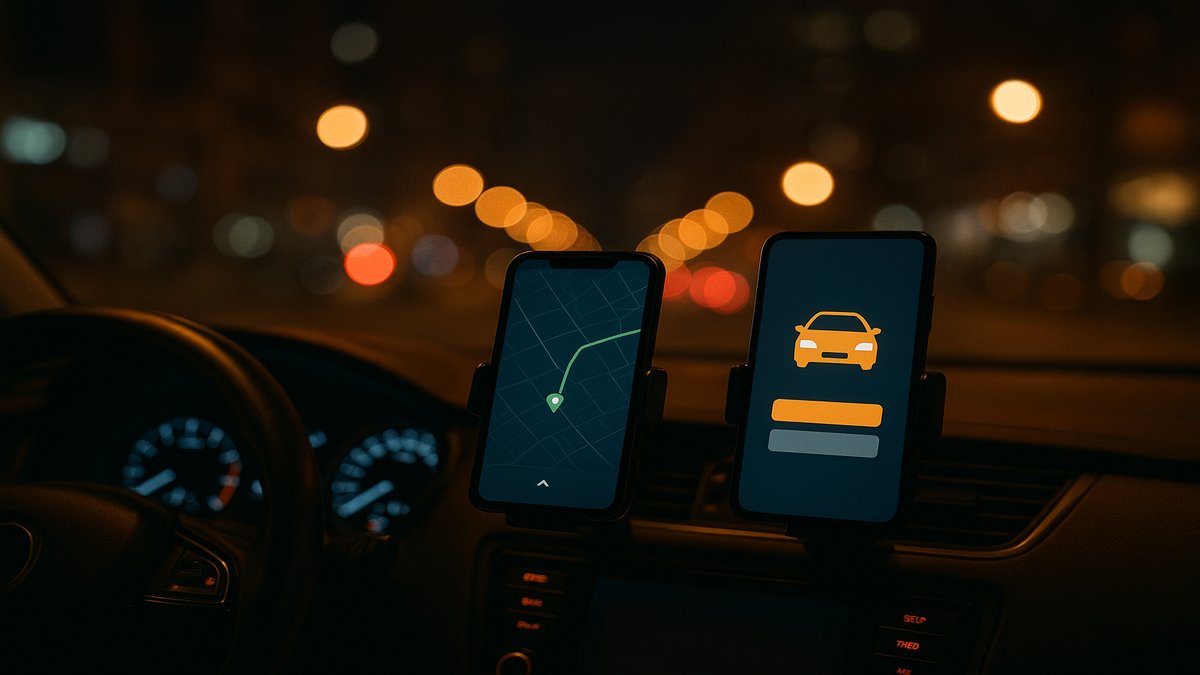
I'm being literal. You cannot multi-app safely with one phone slot. I run a dual-phone setup:
Two reasons. First, when you accept a passenger ride, the delivery apps need to be quickly toggled off so you don't get a competing ping mid-ride. Second, app crashes happen, and having two devices means one crash doesn't take you offline on everything at once.
Cheap second phone, no cell plan needed. Just slot a $15/month data SIM in it, or hotspot off your main phone. The $15 you spend on the data plan you'll make back the first night.
Nothing in gig work is free. Here's what multi-apping actually costs you that the YouTubers don't mention.
Acceptance rates take a hit on the apps you neglect. When you're prioritizing Uber X and you let three Lyft pings expire because you were already on a ride, your Lyft acceptance rate drops. In some markets that costs you Platinum status, which costs you priority pings, which costs you the next surge bonus. Pick one app to favor and accept the consequences on the other.
Your tax bookkeeping gets harder. Four 1099s instead of one. Each platform reports differently. You'll spend an extra two hours in February reconciling everything. (Tip: Stride or Hurdlr categorizes automatically across all four if you connect them.)
Customer service is fragmented. Damage on a delivery dropoff? DoorDash handles it differently than Uber Eats. Some markets DoorDash is faster to refund the driver, some it's the opposite. You'll learn each platform's quirks.
Your gas math gets murky. Delivery miles are dead miles when you're driving back from a residential dropoff to the next pickup. Rideshare runs more efficiently because the next ping is usually right where you dropped someone off. If you're not tracking, multi-apping can quietly tank your $/mile profit.
Let's run the numbers on a midsize hybrid at $329/week from RideshareRenter, assuming the listing covers TNC + delivery.
Single-app driver (Uber X only), 40 hours/week: 40 × $24.50 = $980 gross - Rental: $329 - Gas (hybrid, ~1,100 miles): $115 - Tolls + tips out: $25 - Net: $511/week
Multi-app driver (UberX + Lyft + UberEats + DoorDash), 40 hours/week: 40 × $22.40 (blended) = $896 gross - Rental: $329 - Gas (~1,250 miles, more dead miles in delivery): $130 - Tolls + tips out: $30 - Net: $407/week
Wait. The single-app driver netted more?
Yes — at exactly 40 hours. The multi-app value shows up when you push to 50+ hours because the single-app driver runs out of profitable Uber X hours around hour 38. Past hour 40, every Uber X hour is rapidly diminishing returns. Multi-apping lets you keep earning above $18/hour for those 10 extra hours when single-apping would drop to $14/hour.
Where multi-apping wins:
Where multi-apping loses:
Q: Will my RideshareRenter rate go up if I tell the owner I'm multi-apping? No. The weekly rate is set by what's covered in the listing. If the listing already covers TNC + delivery, you're paid up. If you start delivering on a TNC-only listing, you're violating the contract and risking your deposit and insurance coverage. Get the right listing from day one.
Q: Which delivery app is friendliest to rideshare rentals in 2026? DoorDash and Uber Eats both formally allow rideshare rental vehicles. Grubhub's policy is stricter — they want a vehicle registered to the driver, and many drivers report deactivations after long-term rental use. Skip Grubhub on a rental unless your market is exceptional.
Q: Can I run Instacart from a rideshare rental? Most RideshareRenter listings that cover delivery cover food delivery only, not grocery shopping (Instacart, Shipt, Spark). The reason is the time inside stores affects the insurance carrier's loss calculations. Always read the listing's permitted-use section. Some owners explicitly include Instacart; most don't.
Q: Does multi-apping increase wear on the car? A little. More dead miles means slightly more depreciation. On a rented car this is the owner's problem, not yours, as long as you stay inside the mileage cap (most RideshareRenter listings allow 1,500–2,200 miles/week before per-mile overage charges kick in). Watch the cap. Heavy multi-appers blow through 2,000 miles fast.
Q: How do I avoid app bans for "going offline" too much while toggling? Don't fully close the apps. Just toggle to "offline" mode within the app. Both Uber and Lyft are fine with this. The bans happen when drivers reject too many trips after accepting them, not from going offline.
Q: Is it worth a third phone for Lyft separately? Diminishing returns. Two phones covers 95% of multi-app workflow needs. Three phones adds clutter without much benefit unless you're also running on a fifth platform.
Drivers — find a TNC + Delivery listing in your city. Filter RideshareRenter listings by "Multi-App Approved" to see only vehicles where the insurance covers Uber, Lyft, DoorDash and Uber Eats together.
Vehicle owners — listings with the multi-app endorsement command higher weekly rates. If you're paying for the broader commercial policy anyway, advertise it explicitly on your listing. List your vehicle on RideshareRenter and check "TNC + Delivery permitted" during setup.




Comments